User IDs and Password
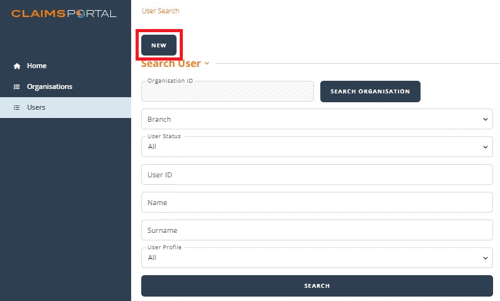
The ‘User’ button takes you to the Search User function, where you can also add a user by pressing the ‘New’ button.
Disabling of User IDs and Passwords
Your User ID will become disabled if you haven’t used it for 90 days.
To prevent this from happening, you should set a reminder to log in every month, even if you have no changes to make.
Your User ID will also disable after five incorrect attempts to log in.
Top Tip: You can reset your own password. Alternatively, another Administrator within your organisation may enable your account.
